
 KEYLEN FINDER
Find it from what you remember.
KeyLen Finder indexes the folders you choose, on your Mac. After that, you can start with a fragment you remember — a word from a file's name, or a word from inside it.
You know the file exists. You just can't say what it's called.
The file was never deleted, and you have not forgotten it entirely — you have forgotten its name. What you still have is a detail: a phrase from inside it, the person who wrote it, or the folder it ended up in.
Search inside the files, not just their names.
Finder matches what you type against four things: the file's name, its path, the properties a document carries — title, author, company — and the text inside the document itself. It reads inside PDF, Word, PowerPoint and Excel files, and plain-text files such as .txt, .md and .csv.
Adding a second word makes the list shorter, because every word has to match.
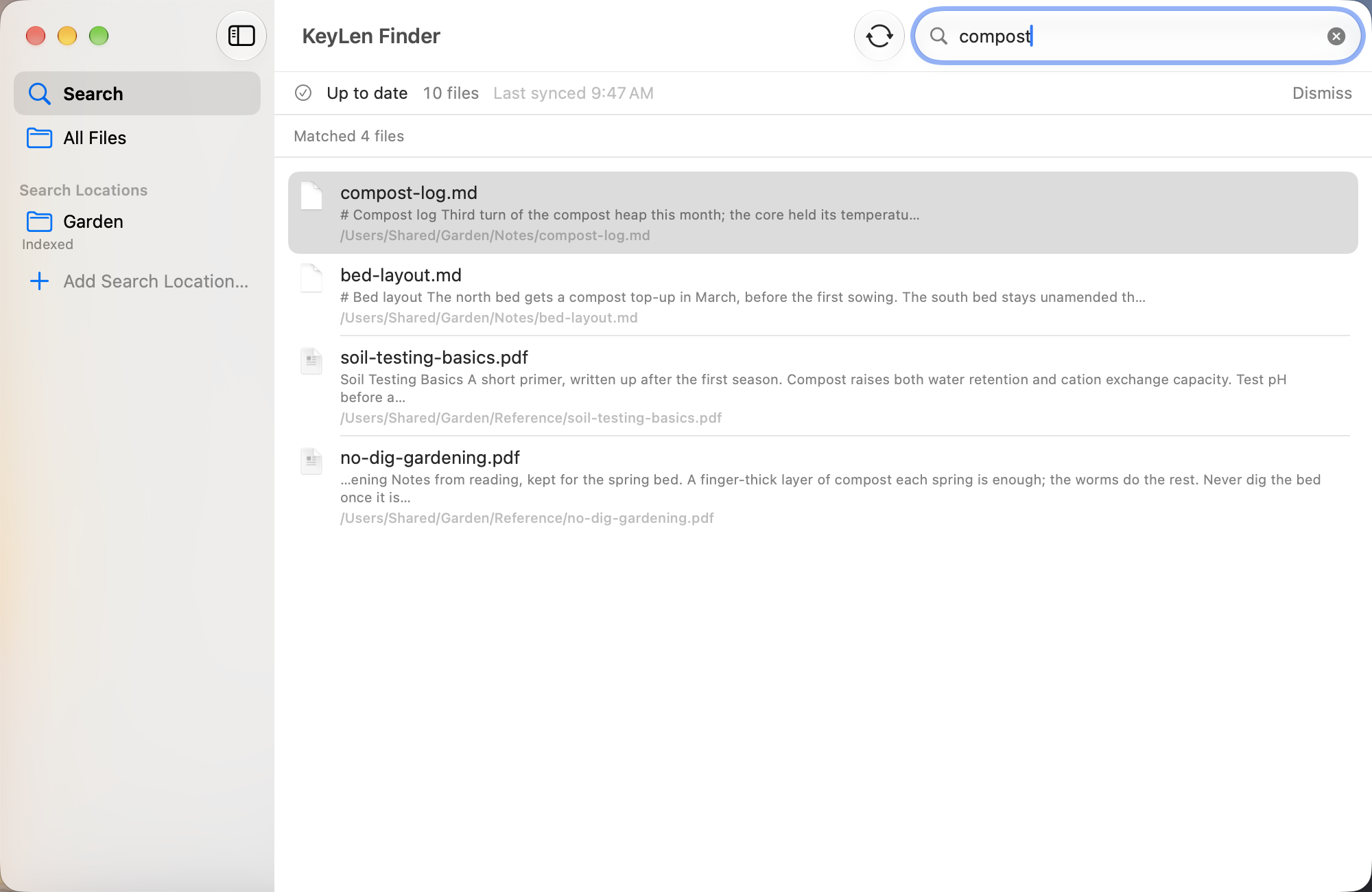
It searches only where you point it.
You add a folder, and Finder searches inside it — nowhere else. Adding a folder does not start anything: the first index is built only when you press the button that says so. The access Finder holds is read-only, so it can look at your files but cannot change, move or delete them.
It can keep the index up to date automatically — every 30 minutes or every hour — or you can refresh it manually.
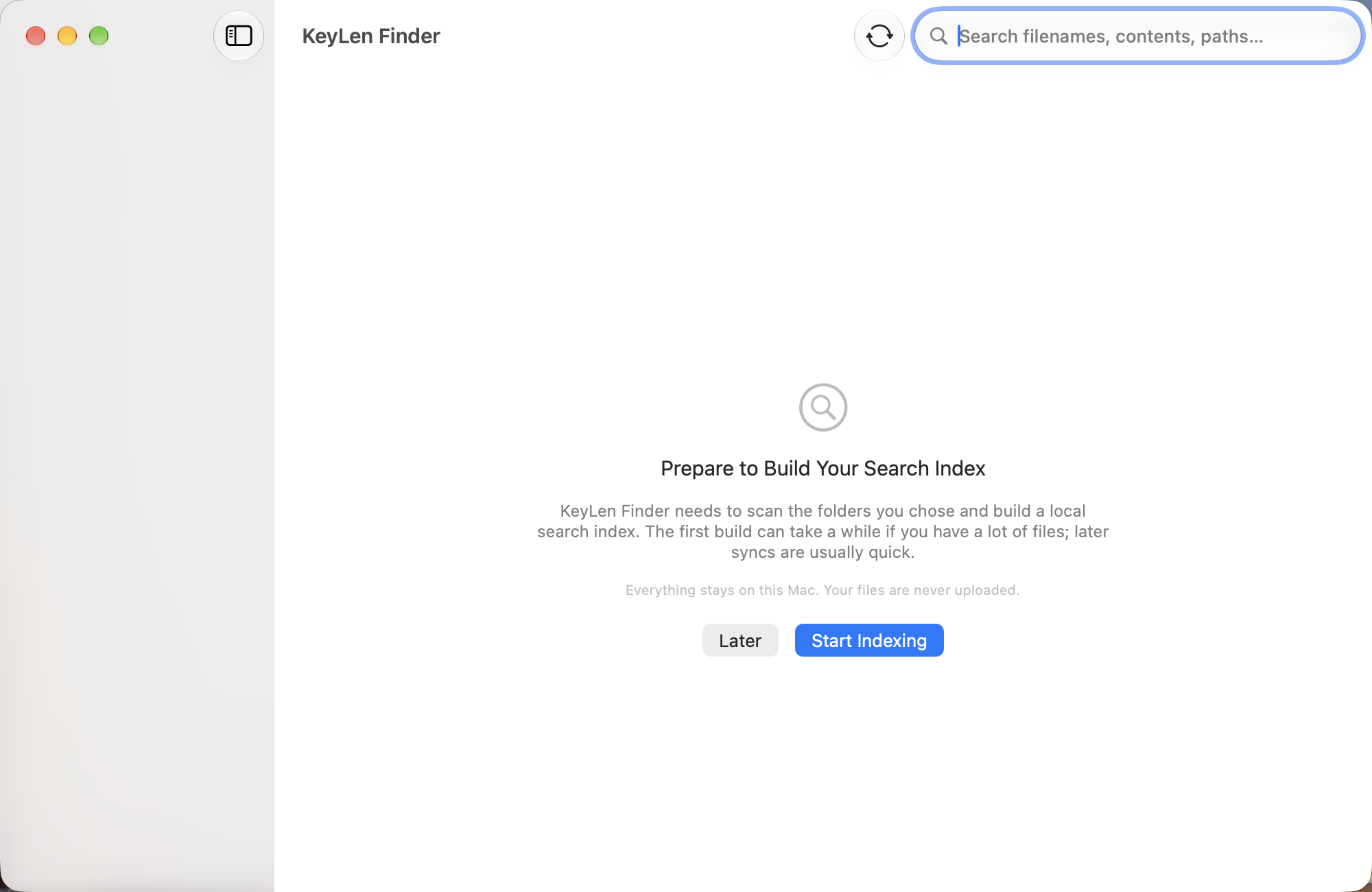
Local · Fast · Private.
Everything happens on this Mac. Your files are never uploaded.
No network access. Nothing you index is sent anywhere.
Read-only. Finder cannot change, move or delete your files.
No account, and no sign-in.
Where Finder stops.
Scanned PDFs. Finder reads text that is already stored in a file. A scanned PDF is a picture of a page, with no text saved inside it — V1.0 does not recognise that text, so a scanned PDF is found by its name and its location only.
Meaning. Finder does not interpret what a document says. It extracts the text so you can search it; it does not summarise or reason about what the document means.
KeyLen AI. Finder sends nothing to KeyLen AI, and nothing to anywhere else.
The cloud. Finder is not a cloud service. The index lives on this Mac and is not synced to your other devices.
You already know enough to find it.
Finder finds the file. KeyLen AI helps you understand a document.